

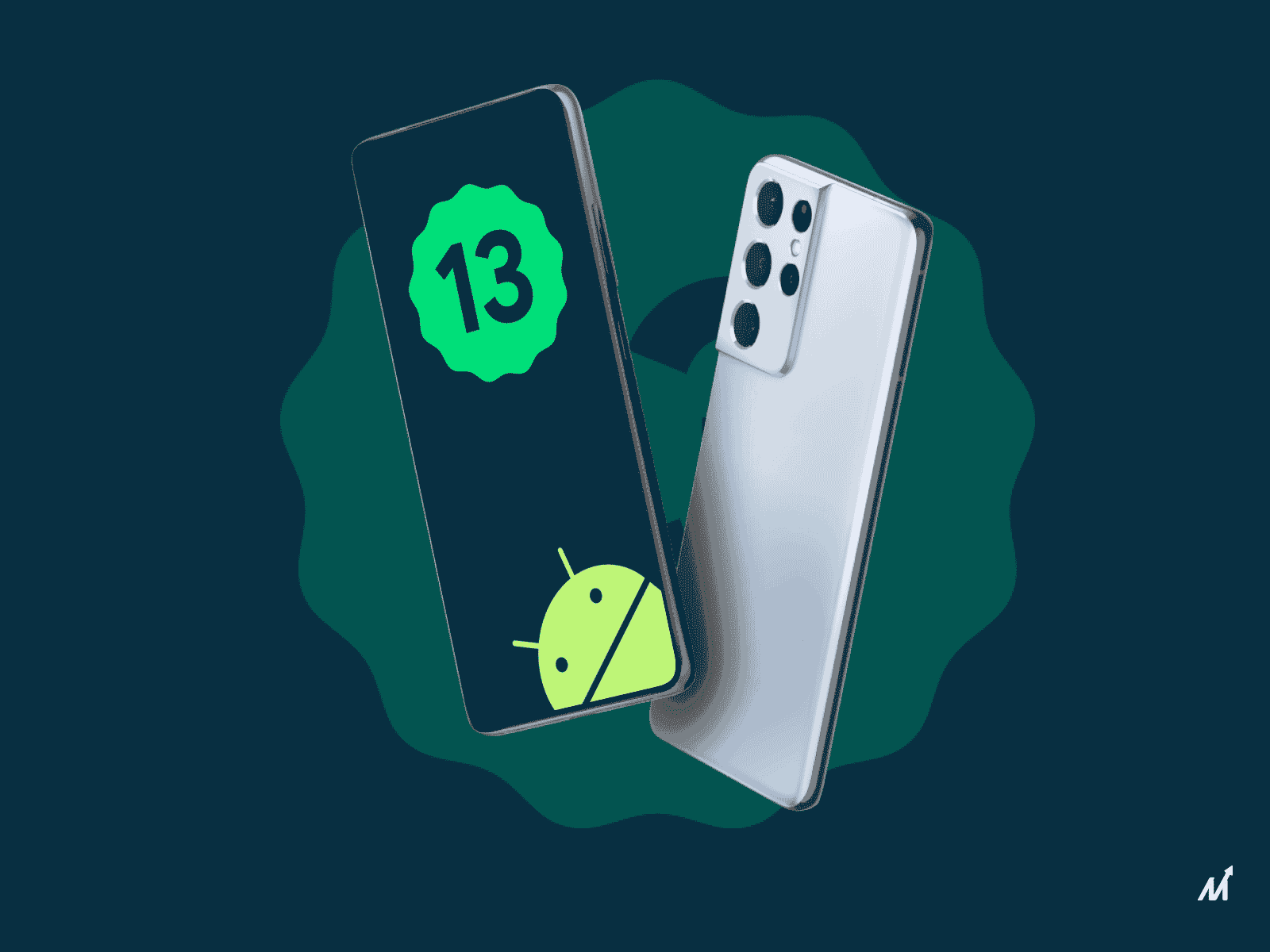
The Android 13 beta is now ready for download, and those who wish to try out the latest version of Android can do so at their own risk by flashing it on their smartphone. To do so, simply sign up for the Android Beta program with your Pixel smartphone.
Do you own a Pixel phone but don’t know how to use it? Don’t worry, the update is also available for OnePlus, Vivo, Realme, and other phones.
Most Pixel phones are eligible for the latest Android 13 beta upgrade, as is generally the case. Pixel 4, Pixel 4 XL, Pixel 4a, Pixel 4a 5G, Pixel 5, Pixel 5a, Pixel 6, and Pixel 6 Pro are among the devices on the list. The OnePlus 10 Pro, the Asus Zenfone 8, the Lenovo P12 Pro, the Nokia X20, the Oppo Find N, the Oppo Find X5 Pro, the Realme GT 2 Pro, the Vivo X80 Pro, the Xiaomi 12 series, and the Tecno Camon 19 Pro are all eligible. If you own one of these phones, you’ll be able to try out Android 13.
How to install Android 13 beta on your Pixel phone with ease.
Type amazon.com into your laptop or computer’s browser.
-
People must first visit Google’s official Android 13 Beta Program page.
-
Login to your Google account.
-
On the Android page, look for a button that says “View your eligible devices” at the top of the screen.
-
If your device qualifies, you will see an “Opt in” button. Simply click on it.
-
You must now choose a beta program. Google will show two options: the Android 12 beta program and the Android 13 beta program.
-
After that, simply read the terms and conditions and scroll down. The “I agree to the terms of the beta program” box must then be checked.
-
To finish the sign-up procedure for the beta program, simply hit the Confirm and enroll button.
You should receive an OTA update once you’ve finished the process. One can either wait for the system to notify them of an update or manually check for it in the settings section > System > System update.
You’ll need to reboot your phone after getting the update before you can start testing the latest Android 13 beta version on your Pixel phone.
The Android 13 beta devices are listed on a special page provided by Google. If you’re a OnePlus user, for example, choosing “Get the Beta” will lead you to OnePlus’ official forum page, which includes instructions for flashing Android 13 on your device.
Beta updates are insecure and can contain several flaws. If you use the smartphone on a daily basis and have no expertise in flashing custom ROMs, you should not download it.
The Android beta versions are primarily intended for developers and experienced users who can provide feedback and contribute to the improvement of the software experience.
For the latest technological insights and news from our team, visit- News insights and technology updates
News Source: indiatoday