


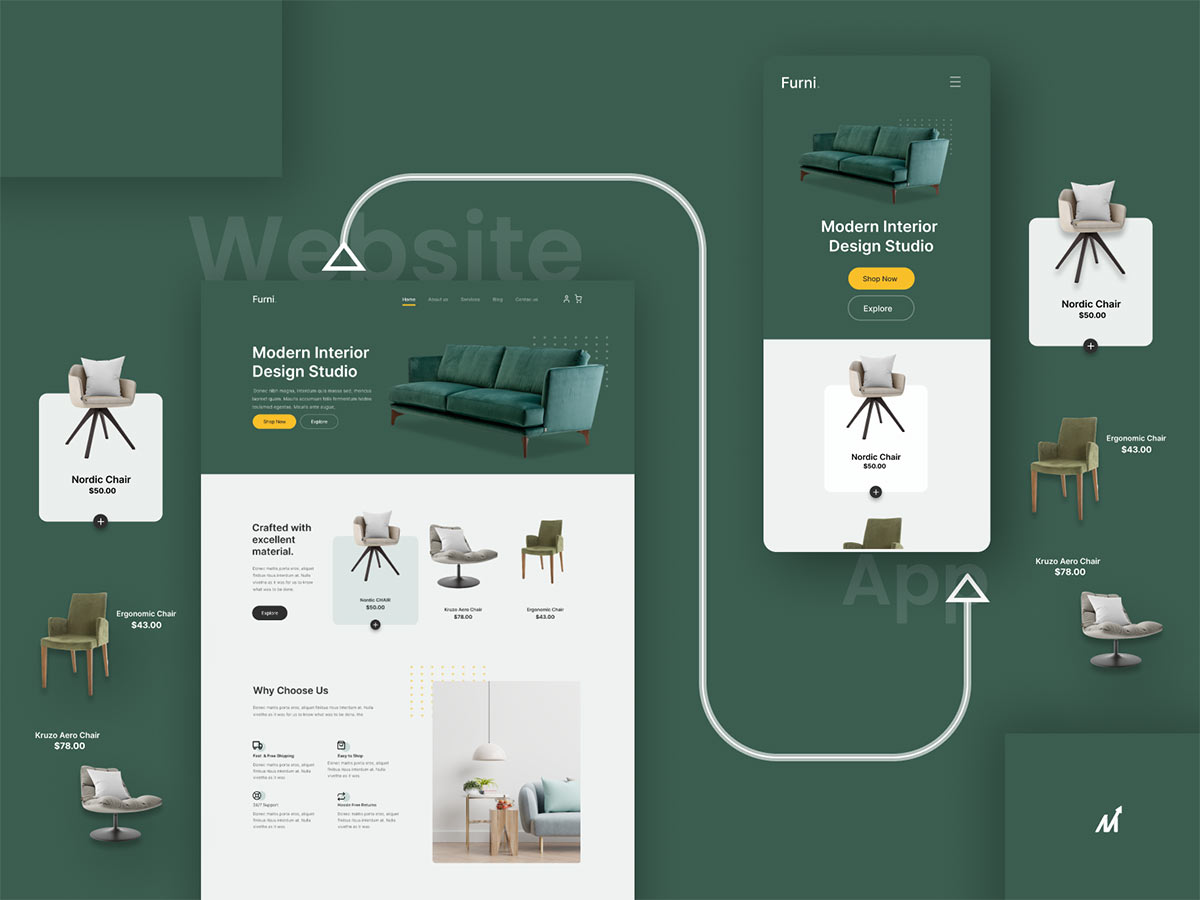
Important facts about mobile app usage
90% of smartphone users spend their time using mobile apps, compared to 10% who do web searches, according to eMarketer. This stark contrast highlights why converting your website into a mobile app can be a crucial step in reaching and engaging your audience effectively.
Why do users spend their time with applications so much? Because apps outperform websites in many ways.
The user experience is more considerate, and apps can be highly productive and have more features and offerings.
For example, Booking, a well-known website for booking hotels globally, provides additional lodging discounts when utilizing the mobile application. America’s daily mobile phone usage is approximately 4 hours, on average. In addition, the market value for mobile apps, estimated at $920 million in 2017, is expected to surpass $3,798 million by 2025.
Notably, 89% of users rely on mobile app usability to access online content, whereas just 11% of users bother to go to a website for the same purpose. Considering the statistics, this is the right time to convert a website into a mobile app.
Some of the world’s most well-known brands recognized the value of mobile apps and decided to convert their websites into mobile apps, or PWAs:
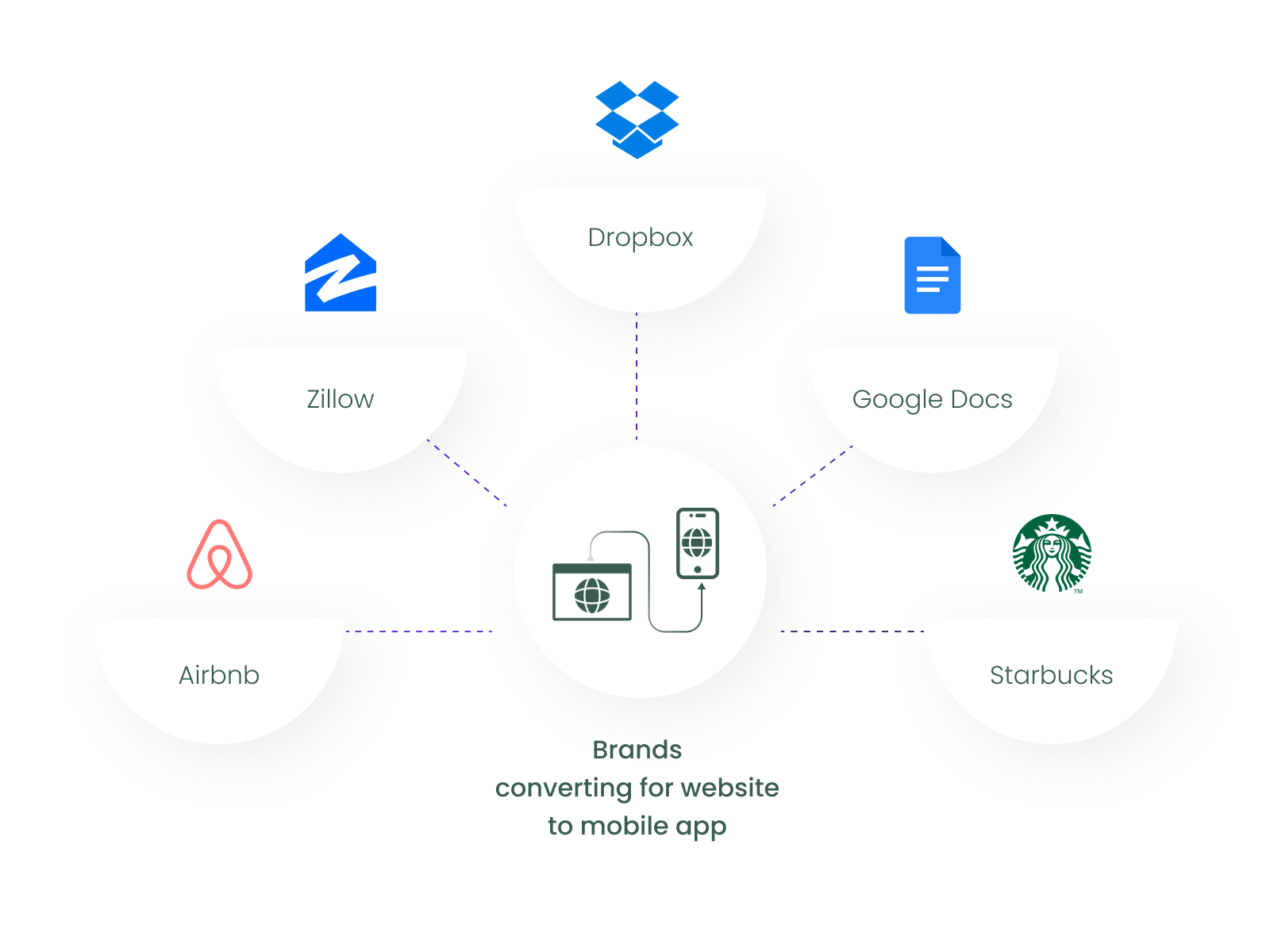
- Airbnb
- Zillow
- Dropbox
- Google Docs
- Starbucks
This article will discuss the steps to convert a website into a mobile app, covering all aspects of the process.
Rising interest in mobile applications
The escalating interest in mobile applications among businesses and enterprises can be attributed to the following compelling statistics:
- Statista’s projections indicate a staggering increase in revenue generated from mobile apps, with expectations to reach a remarkable figure of 935 billion US dollars.
- An insightful analysis by Globe News Wire on the Global Mobile Apps Market, covering the period from 2021 to 2025, reveals significant market growth. The analysis forecasts an expansion of the market by $653.91 billion within this timeframe, progressing at a robust Compound Annual Growth Rate (CAGR) of 21%.
- Data Reportal’s research highlights a pivotal shift in global mobile phone usage. The findings show that more than two-thirds of the global population now possess a mobile phone. Among these, smartphones dominate, representing nearly 80% of all mobile handsets currently in use.
- An in-depth report from GSMA Intelligence forecasts the global reach of RCS (Rich Communication Services) users. By the conclusion of 2023, it is anticipated that the number of RCS users will reach a milestone of 2.7 billion, accounting for half of the mobile user base.
These statistics underscore a critical insight: mobile devices are a key driver of customer loyalty, outpacing desktops. This is supported by an extensive analysis of worldwide publisher data. Consequently, the question arises: How can one transform a traditional website into a mobile application effectively? This query is especially relevant in the context of tapping into the burgeoning mobile user base, which is increasingly becoming the focal point for businesses seeking to enhance their digital presence and customer engagement.
Benefits of Converting Website into Mobile App for Your Business
The reality of technology is that converting a company website into a dedicated business app has various benefits. Let’s take a quick look at why converting a website into mobile app is necessary.
1. Develop personalized & direct marketing channel
The first obvious advantage marketers gain when businesses go mobile is direct access to customer information.
Businesses can improve their marketing efforts by gathering information from user sessions and app access points. An app helps businesses distribute content to users more effectively than other traditional marketing channels after marketers have all the data they require.
Here are some examples of how mobile app features enable this direct marketing approach:
- Push Notifications: Push notifications to have unquestionable power when it comes to mobile. On average, people who receive push alerts opt in at a rate of 70%. The difference is obvious when compared to email marketing’s 5%.
- In-app Clickthrough Rates: Within apps, advertisements, calls to action (CTAs), and any other business-related aspect will always have a greater clickthrough rate. Push alerts are no exception.
2. Increase Engagement by Converting Website into Mobile App
Businesses can access more features than a web browser by converting a website into a mobile app. By connecting contacts, browser data, camera functions, and other smartphone features like GPS, businesses can create a more engaging and enjoyable experience for their customers and increase customer engagement.
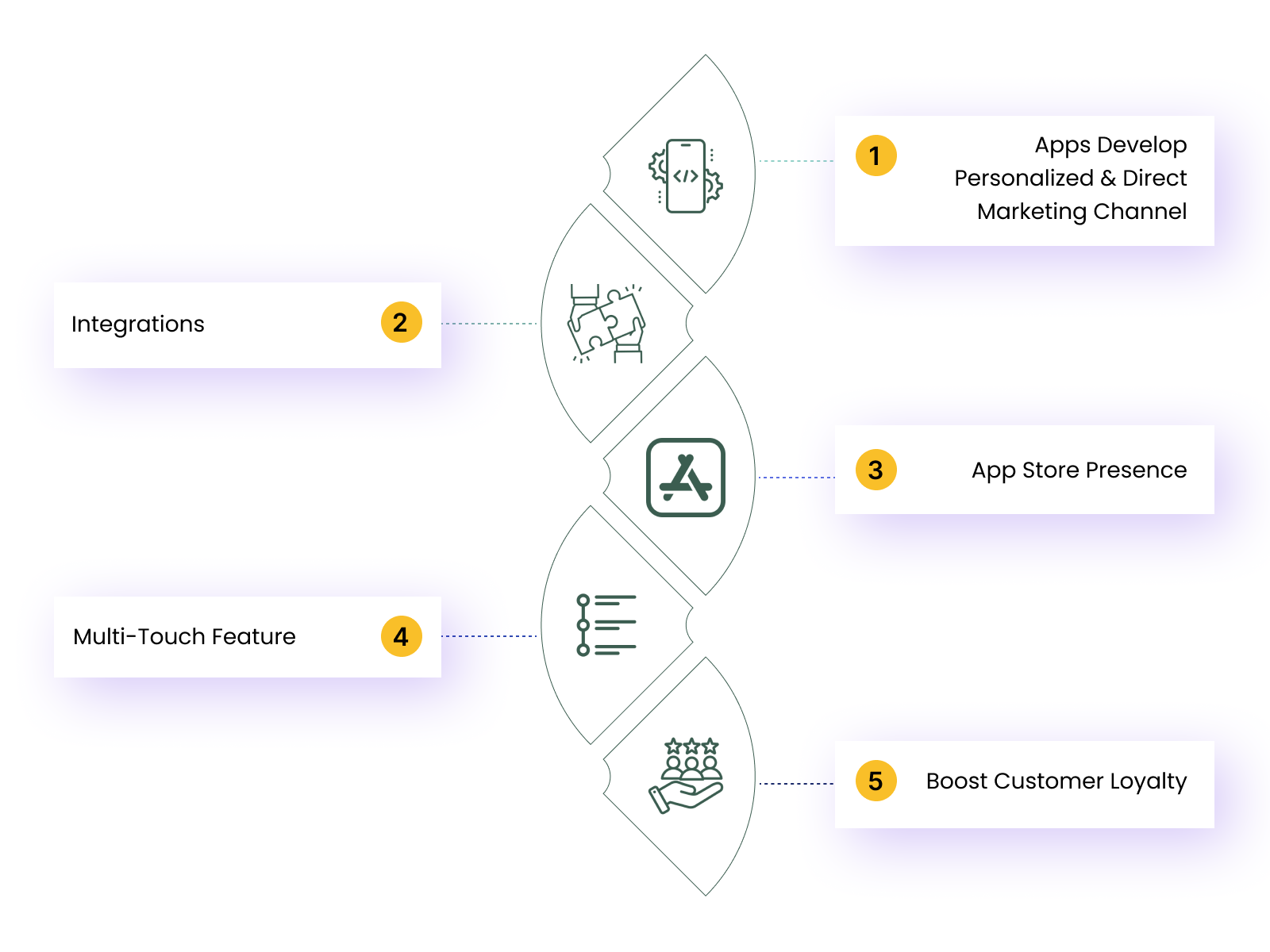
3. Gain App Store Visibility After Converting Website into Mobile App
People use Google Play and the App Store, similar to how they use Google on the web, to find solutions to their problems. Businesses must be visible both there and on the user’s home screen! New users looking for related keywords can be found in the app stores, a great resource. Users looking for a company were probably not going to see it on mobile; they were more likely to find one of the competitors with apps.
Businesses can increase visibility, attract new users, and build a reputation through applications. They can demonstrate their dedication to the mobile user experience by having apps accessible on Google Play and the App Store. This may impress prospective users, partners, and investors.
4. Multi-touch feature
Apps for iOS and Android can support multiple touches. This means that the user can interact with an app using a variety of gestures, including swiping, pinching, and more. User experience is more engaging, tailored, and habit-forming with this method.
5. Boost Customer Loyalty with a Website into Mobile App
Almost every successful company has a high client retention rate. Maintaining a high client retention rate is generally easy by providing outstanding value and ensuring they’re continually satisfied.
On the other hand, loyalty programs are an excellent way to go the extra mile. While having a loyalty program is a fantastic idea, many business owners miss the mark and create a difficult-to-join program.
Mobile loyalty programs can assist businesses in avoiding this typical blunder. Here are some simple ways to integrate loyalty programs into mobile apps:
- Offering Personalized Product Recommendations On Time: It will necessitate careful examination of user sessions. Businesses can then make relevant product recommendations to keep them coming back.
- Offer App Users Instant Rewards: Businesses can use a point (cashback) system to give customers a percentage of their purchase back, among other things. These points can then be used to make additional purchases.
- Promote Social Sharing: Use social media buttons to encourage app users to share user’s positive experiences with the company and to raise visibility.
Examples: Success Stories of Converting Website into Mobile App
How may a website appear if it is successfully converted into a mobile application? Here are some well-known examples of companies who turned their website into mobile app:
1. Calendly
Calendly is a scheduling application for professionals. The business developed a mobile application for iOS and Android to suit users constantly and provide them access to its key features. The user-friendly mobile interface allows users to set up meetings, review and modify their schedules, and schedule meetings.
2. Canva
Similar to Calendly, design business Canva compressed the benefits of its web platform into a mobile app version to appeal to a broader customer base. Users can create personalized graphics and even edit images on their phones.
3. H&M’s
Many online stores are adapting their websites to mobile devices with apps. H&M’s mobile app, for instance, offers a better shopping experience than its website, and it lets users customize it according to their preferences.
Users can use their phone’s camera to scan a price tag on an item in-store to see if the retailer has more of the item in stock. This function is one fascinating feature that is exclusive to the app.
Website or an app: What is best for your business?
A mobile application provides numerous important advantages for any business, as we have previously seen. But is it necessary to convert every website? Not really. A list of the primary factors is shown below. Business needs a mobile application if at least one of these factors applies.
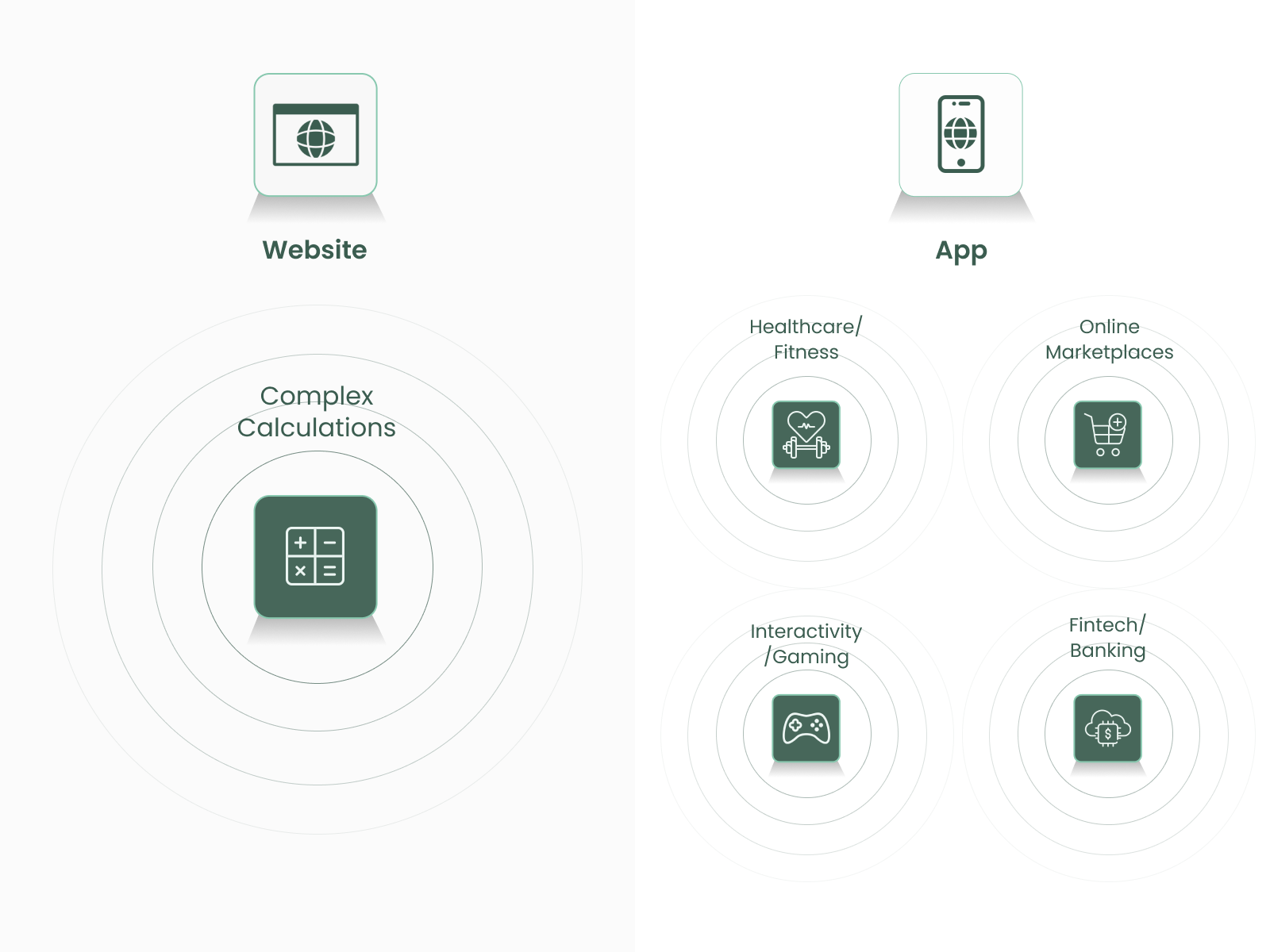
- Healthcare/Fitness: Remote monitoring, a service created to work with wearable medical devices and fitness trackers, typically needs a mobile app to bridge the device and database. For instance, a device must typically establish a connection with a mobile app (using Bluetooth, for example), which then transmits data to a centralized database.
- Online Marketplaces: Mobile apps account for 67% of all eCommerce sales globally. In contrast to websites where customers have to open the browser, type the URL, and Sign in, mobile apps give notifications, rapid order tracking, increased security, and much more at lightning speed.
- Interactivity/Gaming: Since apps save users’ data locally on mobile devices, data retrieval is swift and seamless with gaming apps. Users can use their camera, send a message to their contact list, use GPS, talk, and access social media directly while playing the game, making the experience interactive and enjoyable, which is not possible with a website.
- Fintech/Banking: Businesses require fintech mobile apps because it provides easy access to various digital payment options, mobile wallets, UPI, and other services. After all, websites cannot provide frictionless transactions in this cashless era.
- Complex Calculations: Businesses must also consider transforming their website if their business plan involves producing detailed reports or handling vast volumes of data. They can improve their effectiveness and user appeal by using the mobile application.
Considerations: Converting Website into Mobile App
Since we develop mobile and web applications, we will provide several suggestions to help businesses create a competitive app, especially if they plan to convert a website into a mobile application.
1. Aware of the platform-specific UI design guidelines’ nuances
Businesses may already be aware that iOS and Android, the two most widely used mobile platforms, have some fundamental interface design guidelines enforced on mobile apps launched in their official stores (Google PlayStore for Android and AppStore for iOS). Therefore, businesses must consider the principles of Flat Design (for iOS) and Material Design (for Android) when designing mobile applications.
2. Estimate app development cost & timeline
As a general rule, the more complicated software is, the more expensive it will be to develop. According to one survey, developing a “basic app” costs $38,000 to $91,000.
There are numerous elements to consider when estimating the expenses of developing mobile applications.
- The number of features businesses intend to add
- The time it will take to develop the app (On average, an app can be successfully developed and prepared for release in 3 to 4 months.)
When it comes to pricing, all of these factors are relevant, so businesses should consider them before developing their app. If businesses go over budget, reviewing the feature list again might help them determine which features are necessary now and which ones can wait until later.
3. Select the development platform (Native vs Hybrid)
Native App Development
Native apps are classic, first-generation programs created from the ground up with the iOS and Android platforms in mind. Experts are in high demand. For apps like Uber or Airbnb that will perform a lot of hard work, native apps typically provide the best performance. Although web technologies are catching up in this area with the emergence of progressive web apps, they also provide the most access to the native functions of the device, such as the accelerometer, GPS, and facial recognition.
To begin with, there are more Android users than iOS users. In 2022, the market share of the Android OS was 84%, while iOS was just under 16%. More people use Android devices than iOS devices worldwide.
While Android is more popular in South America, Africa, Asia, and Western Europe, iOS is more popular in North America, Western Europe, and Australia. Therefore, developing applications for just one operating system could be worthwhile if it is only targeted in a single geographic area to save money on development.
Advantages of Native Apps
- Native apps are high-performance and offer a superior user experience.
- Developers have full access to the operating system’s libraries and modules.
- Businesses can use the device’s features, including GPS, accelerometer, and facial recognition.
Disadvantages of Native Apps
- It takes longer to develop native apps.
- The cost of developing native applications is higher.
- The app needs support and upkeep, which takes time.
Hybrid app development
As the name suggests, hybrid apps combine a website and a native app. In essence, hybrid applications are a native container (the native app element) that, when used, shows web content (CSS, JavaScript, HTML), allowing businesses to turn their websites into an app using only web-based technologies. However, hybrid applications are more than “simply” webpages inside of a shell; from the user’s perspective, they can function and feel exactly like native apps and employ native capabilities and components to provide an excellent app user experience. The performance of hybrid apps is well known, especially when creating something extremely demanding from scratches, such as the next Spotify or Coinbase. It is possible to develop a hybrid app with similar capabilities to a website.
Advantages of Hybrid Apps
- Developers can use one codebase across several platforms.
- Adding cloud services to hybrid apps is relatively simple.
- Since hybrid apps don’t require developers to work with several codebases, they are significantly simpler to manage and upgrade.
Disadvantages of Hybrid Apps
- Hybrid applications lack the native programs’ polished user interface and user experience.
- Compared to native applications, hybrid applications can be more difficult to debug.
- The features of hybrid apps are subject to some restrictions. Consequently, using the hybrid technique while creating complex applications is not recommended.
4. Do not skimp on testing software
Businesses won’t likely encounter any surprises due to the unpredictable behavior of the software if they develop an app for iOS. Since this OS is not widely available, testing the mobile application on all of the devices for which it is intended is not difficult. When it comes to testing Android, this is somewhat different because the devices are so fragmented, and the display formats, other technical specifications, and OS versions range widely between models. Depending on this platform, businesses will require the assistance of paid testing solutions to ensure compatibility with the most significant number of mobiles.
Steps to Convert Website into Mobile App
There are six main steps to convert a website into a mobile app, and we’ll go over each one and analyze why the website-to-app platform is the best option in most cases. Let’s get started.
1. Make a list of all features
Before businesses begin the development process, they must decide the features they want to include in their mobile app. This will help businesses remain within budget, calculate prices, and give them an idea of what they need to build.
After all, it’s easy to become overwhelmed by the number of functions an app has to provide. Validating the feature list will assist businesses in creating a realistic vision for their apps and verify that each feature is valuable to the audience rather than a showy bonus.
To convert a website into mobile app, there are several factors to consider
- Focus on UX
- Gesture-based navigation
- Consistency
- Hamburger menu
- Navigation and notification
2. Create a user-friendly UX design
A mobile app is required rather than a website since UX design should be user-friendly. To do this, pay attention to what content appears where and how quickly everything loads, especially when performing crucial actions like registration or log-in, which should happen almost instantly through mobile devices. Businesses should concentrate on creating a user-friendly and captivating app interface. Their objective should be to offer users an app that is more responsive than the website.
The fundamental objective of converting a website into an app is defeated if the website is more responsive than the mobile app.
3. Automate data backup
No matter how many precautions businesses take to reduce the dangers of a data breach, it is still possible that it will occur. The best action is to regularly back up the data in case the worst happens.
If the website’s data is backed up, businesses won’t lose anything if a bug deletes it.
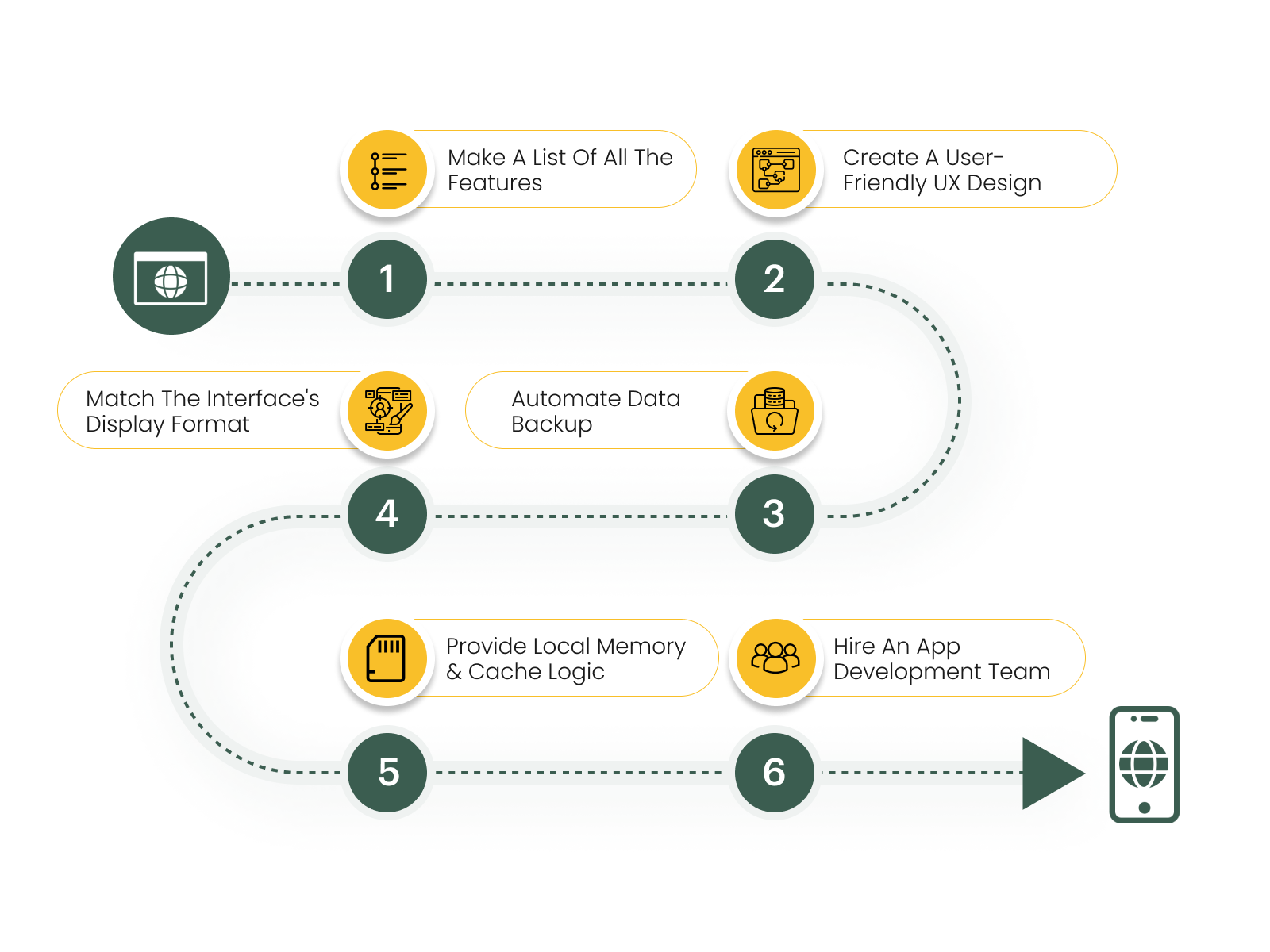
4. Match the interface’s display format to that of mobile devices
Remember that the quality standards for creating native and native-like mobile applications are highly robust. Mobile apps typically have size restrictions due to display size. The mobile application should use the battery of the user’s device sparingly.
It is also essential to keep in mind that the application adapts to efficient operation within the chosen operating system (in particular, it should not conflict with other processes on the device), is responsive even on weaker hardware, and the interaction with the device’s specific functionality (such as touchscreens, contact books, cameras, GPS sensors, etc.).
5. Provide local memory & cache logic
Caching helps browsers load web pages more quickly. In a mobile application, a somewhat different logic is applied. The technology uses the smartphone’s internal memory to access all data. Therefore, businesses must incorporate the logic for local data storage into their application.
6. Hire an app development team
Businesses can hire an app developer to design and create an app that suits the company’s requirements. Because a development team handles all facets of establishing and developing an app, including UI/UX design, creating graphics, coding, user acquisition marketing strategy, etc., it is the ideal choice.
There are now two options: work with a reputable provider or form an internal team.
Both options offer benefits and drawbacks. An internal team, for instance, is typically more expensive. Rent, equipment, software, taxes, getaways, and other costs must be covered. However, in-house development enables businesses to regulate the development process and produce an app customized to their requirements. Since businesses can hire developers from different locations, and they will probably each charge an additional cost, outsourcing is typically the less expensive choice. This has the drawback that businesses can’t monitor every step of progress and must have faith that they select the proper personnel for the job.
Fortunately, scheduling regular meetings with devs is one method to take this into account. By doing so, businesses can make modifications while the project is being developed and keep it on course. So they won’t end up waiting weeks or even months for their developers to finish developing their app just to be delivered something that looks different from their initial blueprint.
How We Can Help: Convert Website into Mobile App
Hopefully, you can now use this information to convert a website into a mobile app. It’s essential to remember that there are various ways to accomplish this and that the best one for you will rely on several variables, including your skill level and financial limitations.
At Markovate, we deliver various mobile portability services that support your company’s growth. Having a technological behemoth that has served more than 450 clients in the past ten years makes it simple to obtain the optimized advantages of website conversion into mobile apps. Additionally, we have converted a lot of websites into applications for companies all around the world. As a result, we can comprehend your business and develop the ideal app while keeping your budget and timeline in mind. Also, if you want to learn more about how to incorporate AI in mobile apps, we can help. So contact us immediately to speak to one of our professionals in depth.
FAQs: Answers to all your website into mobile app concerns
1. Is Ownership of a Developer Account on Google Play or the App Store Required?
Yes, possessing a dedicated Developer Account on either Google Play or the App Store is a non-negotiable requirement for distributing applications on these specific platforms.
2. Is Markovate’s Conversion Service Compatible With All Types of Websites?
Indeed, Markovate’s conversion algorithm is language and architecture-agnostic. It eliminates the need for any additional code modifications or reconfigurations on the existing website while converting website into mobile app.
3. Will the Conversion Process Negatively Affect My Website’s Performance?
No, performance degradation is not a concern for converting website into mobile app. Markovate’s conversion engine has been fine-tuned to prioritize optimal performance metrics, ensuring that the application acts as a seamless extension of the website without compromising its loading speed.
4. Are Coding Skills Required for Creating the App Through Markovate?
No, Markovate simplifies the application creation process to a singular step: providing the URL of the existing website. The user does not need coding expertise for converting a website into a mobile app.
5. What Happens When I Update My Website’s Content or Design?
Markovate’s dynamic synchronization architecture ensures that any modifications made to the website are automatically reflected in the application. There is no need for manual updates to sync content between the two platforms for website into mobile app conversion.